Feather Client Download Guide: Getting the Files Safely
Where the download comes from, how to extract the ZIP, what to check before running it and how to finish the first launch.
Read guideFeather Client brings performance profiles, Fabric and Forge mods, toggleable modules, built-in voice chat and a skin manager together in one free launcher for Minecraft: Java Edition.

A free Minecraft: Java Edition client that wraps mods, performance tweaks and social tools into one easy launcher.
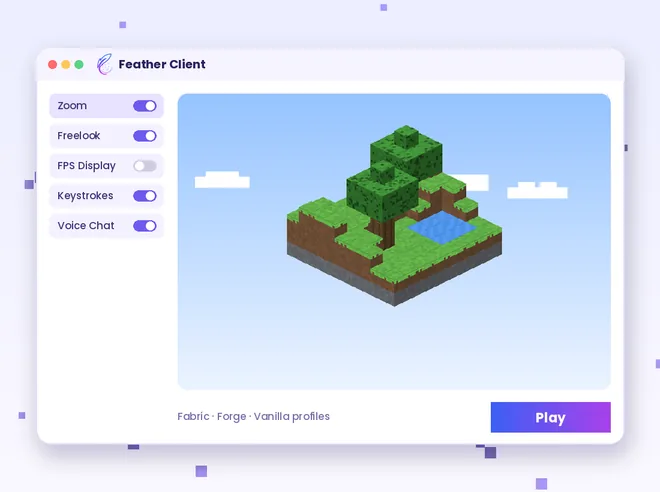
Feather Client sits between you and the regular Minecraft launcher. Instead of installing a mod loader, hunting for performance mods and copying files by hand, you choose a version, sign in and press Play while the client prepares everything in the background.
Originally developed by Digital Ingot, Inc., the client earned a large following for its free model, mod-friendly profiles and built-in voice chat. In May 2026 the server operator InPVP announced it had acquired Feather Client and was moving it to the Dawn brand.
The tools that make the client different from a plain vanilla launcher, from performance profiles to voice chat.
Feather Client bundles optimisation mods into its launch profiles, helping many PCs reach steadier frame rates than an untouched vanilla install.
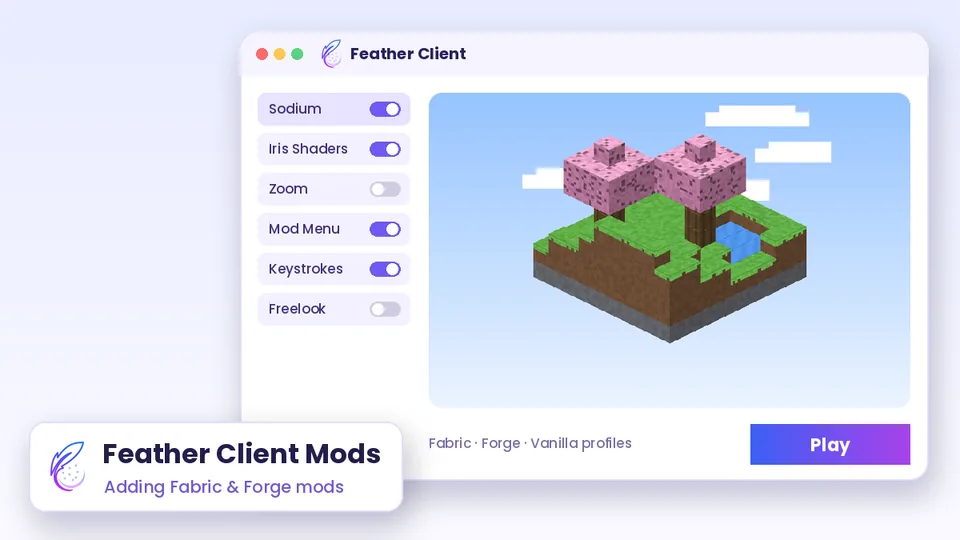
Add your own Fabric or Forge mods to a profile from inside the launcher, so performance, shader and utility mods sit beside the built-in modules.
Quality-of-life modules such as zoom, freelook, keystrokes and an FPS display can be switched on or off individually from the mod menu.
Players on the same server who also use the client can talk through its integrated voice chat without running a separate app.
The launcher includes an option to host a Minecraft server from your own computer, which suits small friend groups and quick sessions.
Store several skins and switch between them directly from the launcher instead of uploading files through a browser each time.
Manage different Java Edition versions and profiles from one application, then pick the one you need before pressing Play.
Apply resource packs and use the client's cosmetic options to personalise how the game and your character look.
Four short stages take you from the first download to a running, modded game.
Use the download button on this page to get the Feather Client archive and save it to a folder you can find easily.
Open the launcher and sign in with the Microsoft account that owns Minecraft: Java Edition.
Choose a Minecraft version, then decide whether that profile runs vanilla, Fabric or Forge mods.
Launch the game, open the mod menu and switch on the modules you want for your session.
What you need on your computer and account before installing the client.
Common ways players put the client to work, from PvP practice to relaxed survival worlds with friends.
Keystrokes, CPS and FPS displays help players watch their inputs and performance while practising on PvP servers that allow them.
Voice chat and a shared launcher make it easier for a small group to join one survival world with matching settings.
Performance profiles give laptops and older desktops a better chance of holding playable frame rates.
Zoom, freelook and shader-friendly Fabric profiles help creators frame builds and capture cleaner footage.
Separate profiles let you try new mods on one version without touching the setup you play on every day.
The practical value of having mods, versions and social tools managed from a single place.
Versions, mods, skins and servers are managed from a single launcher window.
Mod loaders and common modules are handled for you, so you spend less time copying JAR files.
The client itself is free to download and use, with optional extras offered separately.

Every module is optional, so you keep only the tools you actually need.
The launcher downloads game assets and its own updates when you open it.
Voice chat and server hosting make small multiplayer sessions simpler to organise.
Five clear steps for setting the client up on your computer and launching your first profile.
Press the main download button in the Download section. The file arrives as a ZIP archive from the GitHub source listed there.
Right-click the ZIP and extract it to a new folder. Read any README file first and scan the contents with your security software.
Open the installer or launcher file inside the folder and follow the on-screen prompts; let it fetch the base game assets.
Log in using the Microsoft account linked to your Java Edition purchase. Never enter your password in unknown pop-ups.
Create or choose a profile, add matching Fabric or Forge mods if you want them, then launch the game.
Get the Feather Client archive for Minecraft: Java Edition from the GitHub source linked on this site.
The button below downloads the main-branch ZIP of the GitHub repository. Extract it to a new folder, read the README and follow the setup steps above.
Scan downloaded files with your security software and read the included README before running anything.

Simple habits that protect your PC, your Microsoft account and your Minecraft worlds.
The download button points to one fixed GitHub archive. Avoid copies re-uploaded on file mirrors, video descriptions or chat links.
Run the extracted files through Windows Security or your own antivirus before launching anything.
Sign in only through the official Microsoft login window. No launcher should ask you to type your password into a chat or form.
Copy your saves folder before switching profiles or adding many mods, so a bad combination cannot cost you progress.
Some servers restrict certain modules. Check each server's allowed-mods list before joining with zoom or overlays enabled.
Update Java, graphics drivers and the launcher itself; outdated pieces cause most crashes and odd behaviour.
An honest look at where the client shines and where its limits are.
Background on the history, ownership and current status of the client.
Built and grew the client as a free Java Edition launcher.
Acquisition announced on 21 May 2026.
The product continues under the Dawn name at dawn.gg.
Desktop Minecraft only; no Bedrock or mobile build.
The launcher updates itself when opened. Because version labels change often, check the release notes inside the launcher or on the GitHub page rather than relying on numbers quoted elsewhere.
Pick the problem you are seeing to get focused fixes for installation, crashes, mods, login and performance.
Step-by-step articles covering downloads, mods, login, GitHub files and more.
Where the download comes from, how to extract the ZIP, what to check before running it and how to finish the first launch.
Read guideAdd Fabric or Forge mods to a profile, match versions correctly and fix mods that refuse to load.
Read guideWhat the GitHub repository archive is, how to read it and which checks to run before using the files.
Read guideQuick answers to the questions players ask most about the client, its features and setup.
Feather Client is a free client and launcher for Minecraft: Java Edition. It combines performance mods, toggleable in-game modules, Fabric and Forge mod support, voice chat, a skin manager and server hosting in one application.
Yes. The client is free to download and play. Some cosmetics, hosting upgrades or other extras may be offered separately under their own terms.
Feather Client was developed by Digital Ingot, Inc. In May 2026, the Minecraft server operator InPVP announced it had acquired Feather Client and was rebranding it as Dawn.
Following the InPVP acquisition announced on 21 May 2026, the Feather product moved under the Dawn name, with dawn.gg as its new home. Many players still search for it as Feather Client.
It runs optimisation mods in its profiles, which often helps frame rates compared with vanilla Minecraft. Results depend on your hardware, settings, resource packs and shaders, so no exact gain can be promised.
Yes. You can add Fabric or Forge mods to a profile, as long as each mod matches that profile's loader and Minecraft version.
Yes. It includes built-in voice chat that works between players who use the client on the same server.
The launcher offers a way to host a Minecraft server from your own PC. Your computer and internet connection need to stay on while friends are playing.
Clients themselves are widely used, but each server decides which modules are allowed. Read the server's rules and disable anything it does not permit before joining.
Yes. The built-in skin manager lets you store several skins and switch between them from the launcher.
Go to the Download section on this page and press the main Download Feather Client button. The file is a ZIP archive from the GitHub source shown there.
The button downloads the main branch archive of the GitHub repository listed on this page. Extract it, read the included README and scan the files before running anything.
Open the launcher and choose the Microsoft sign-in option. Use the Microsoft account that owns Minecraft: Java Edition and complete the login in the official Microsoft window.
No. Feather Client is built for Java Edition. Minecraft Pocket Edition, now part of Bedrock Edition, uses a different codebase, so Java clients and mods cannot run on it.
There is no Android version. Files claiming to be a Feather Client APK are not the real client and should be avoided.
People use “v2” for newer generations of the launcher and its interface. The biggest recent change is the 2026 move to the Dawn brand, so check current release notes rather than trusting old version labels.
It is a desktop application, with Windows as the most common platform. Check the publisher's current download page to confirm macOS and Linux availability for your system.
Most modern Minecraft launchers manage the Java runtime for you. If a profile fails to start, updating or reinstalling the runtime the launcher uses is a sensible first check.
The logo is a stylised feather in a blue-to-purple gradient. Use it only to refer to the client and avoid altering it in ways that suggest an endorsement.
Common causes are an outdated graphics driver, a mod built for another version or loader, too little or too much allocated RAM, or files blocked by antivirus. Remove extra mods first, then read the crash log.